Capture the mess
Type, import, or talk through what is on your mind. Darwin turns loose work into tasks you can rank.
 Darwin
Open this invite in Darwin to claim the referral preview. If Darwin is not installed yet, use the install link here and return to this invite after setup.
Referral code
Swipe. Focus. Relax.
When everything feels important, Darwin helps you compare tasks side by side, rank what matters, and turn the next priority into focused time.
Built for decision fatigue
Darwin narrows the work down to two options at a time. Each swipe sharpens the ranking until the important work rises out of the noise.
How Darwin works
Capture the backlog, compare what matters, and keep the details close when it is time to execute.
Type, import, or talk through what is on your mind. Darwin turns loose work into tasks you can rank.
Swipe through side-by-side choices so the next decision stays small and fast.
Start a timer around the priority that earned its spot and keep follow-through visible.
Insights show what moved, what finished, and where your list is gaining clarity.
Product tour
Capture the work, compare what matters, start the block, and keep the bigger outcome in view.
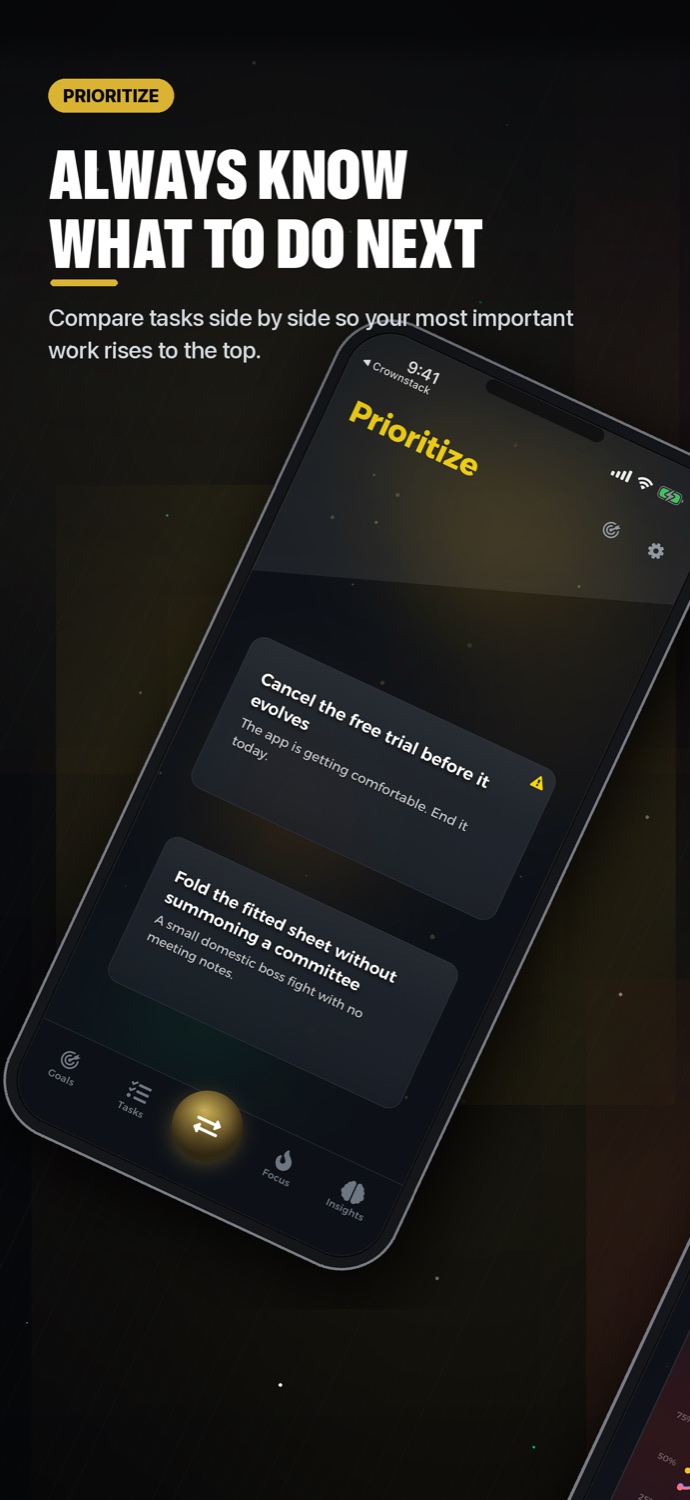
Compare tasks side by side so the most important work rises to the top.
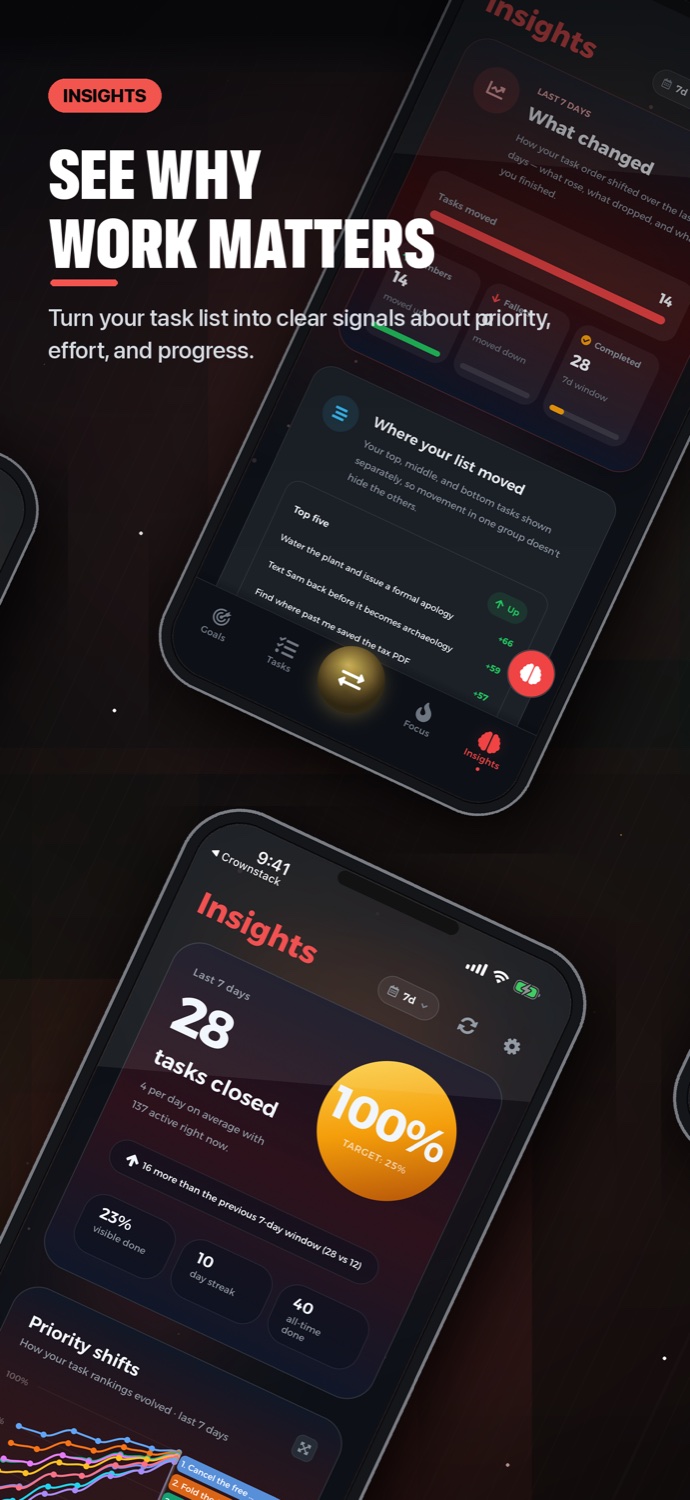
Turn task movement, effort, and progress into signals you can act on.
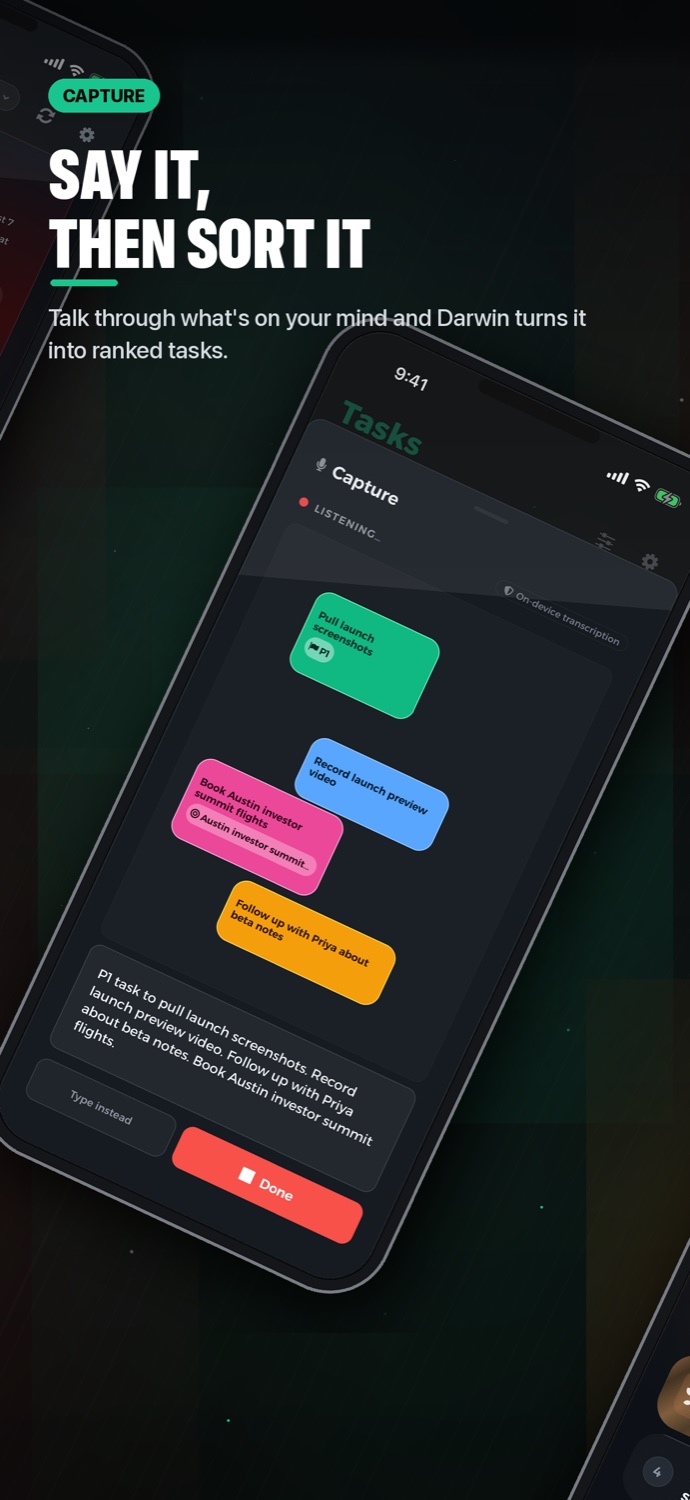
Talk through what is on your mind and turn the result into ranked tasks.
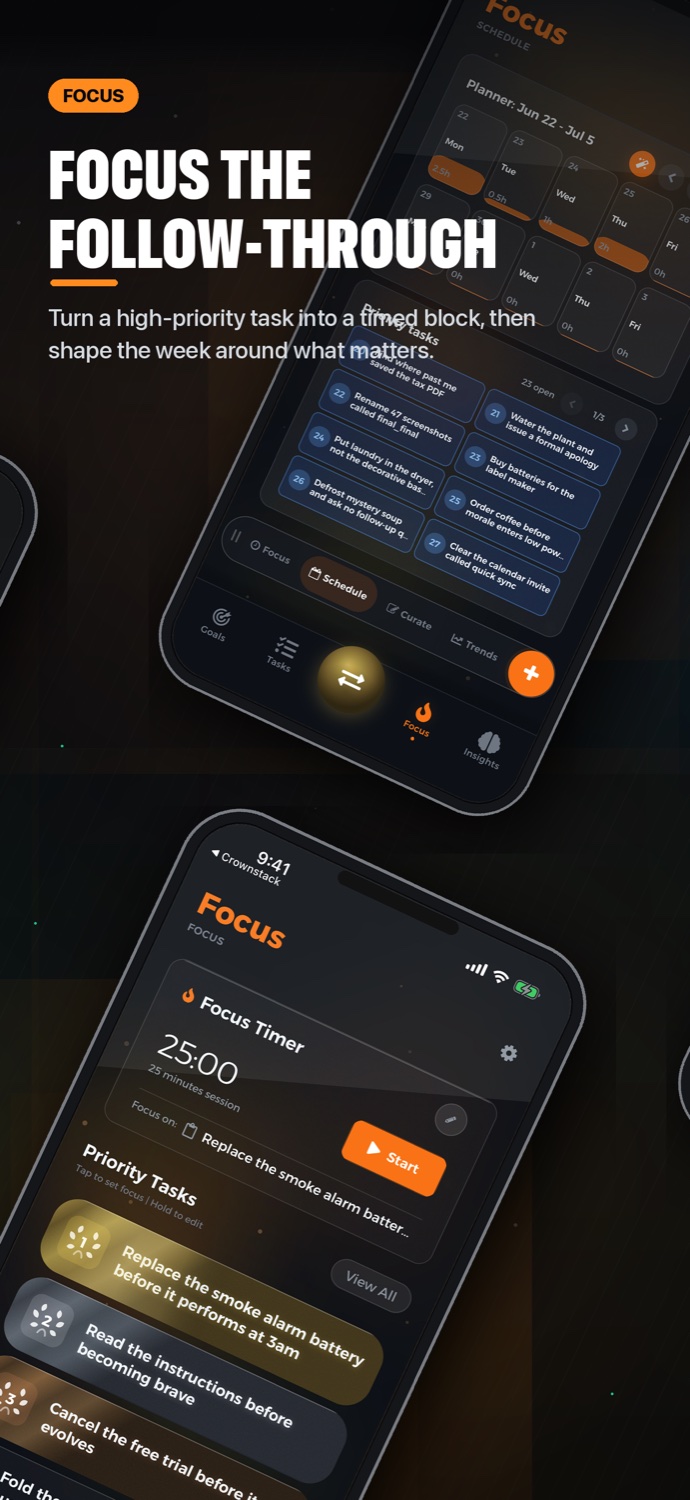
Turn a high-priority task into a timed block, then shape the week around what matters.
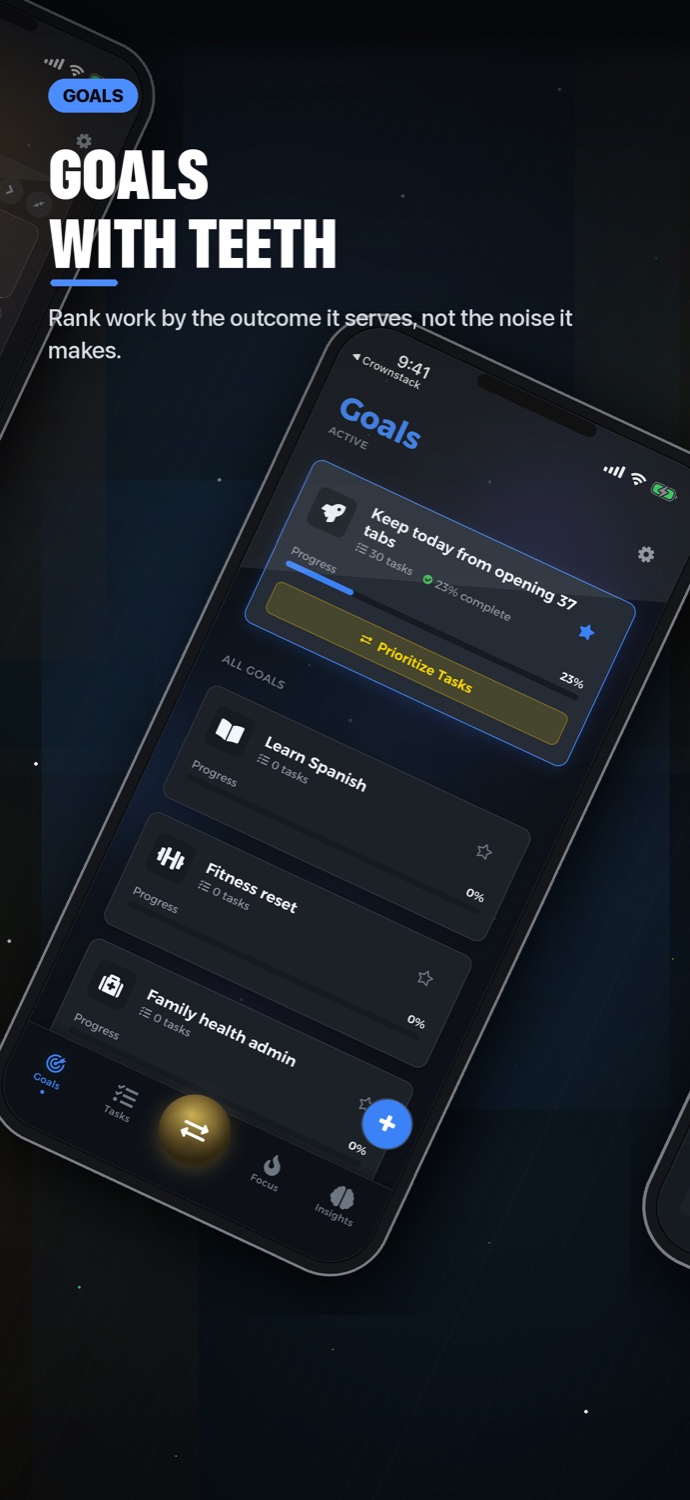
Organize work by the result it serves, not the noise it makes.
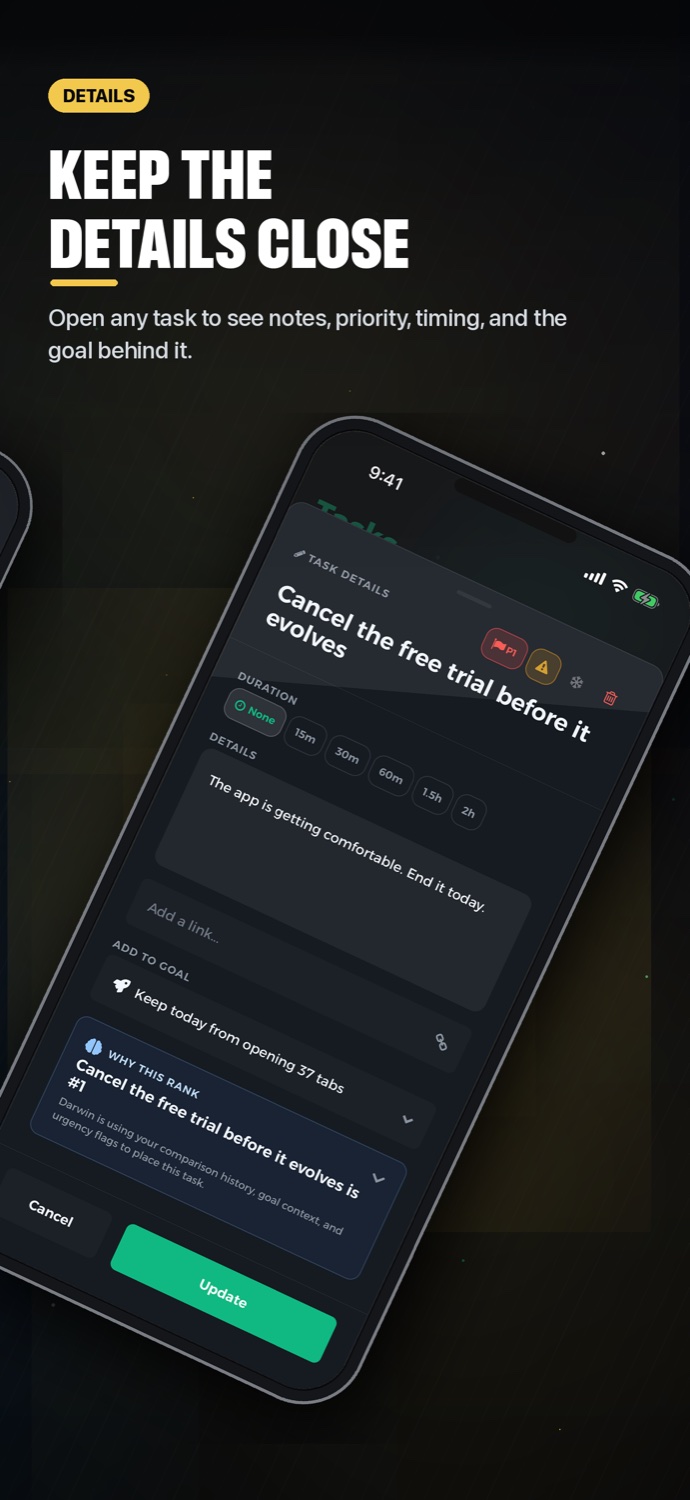
Keep notes, priority, timing, and the goal close, ordered by a task detail layout you set.
Launch reel
Watch Darwin move from first capture to ranked tasks, focus planning, goals, and the progress signals that make the next action obvious.
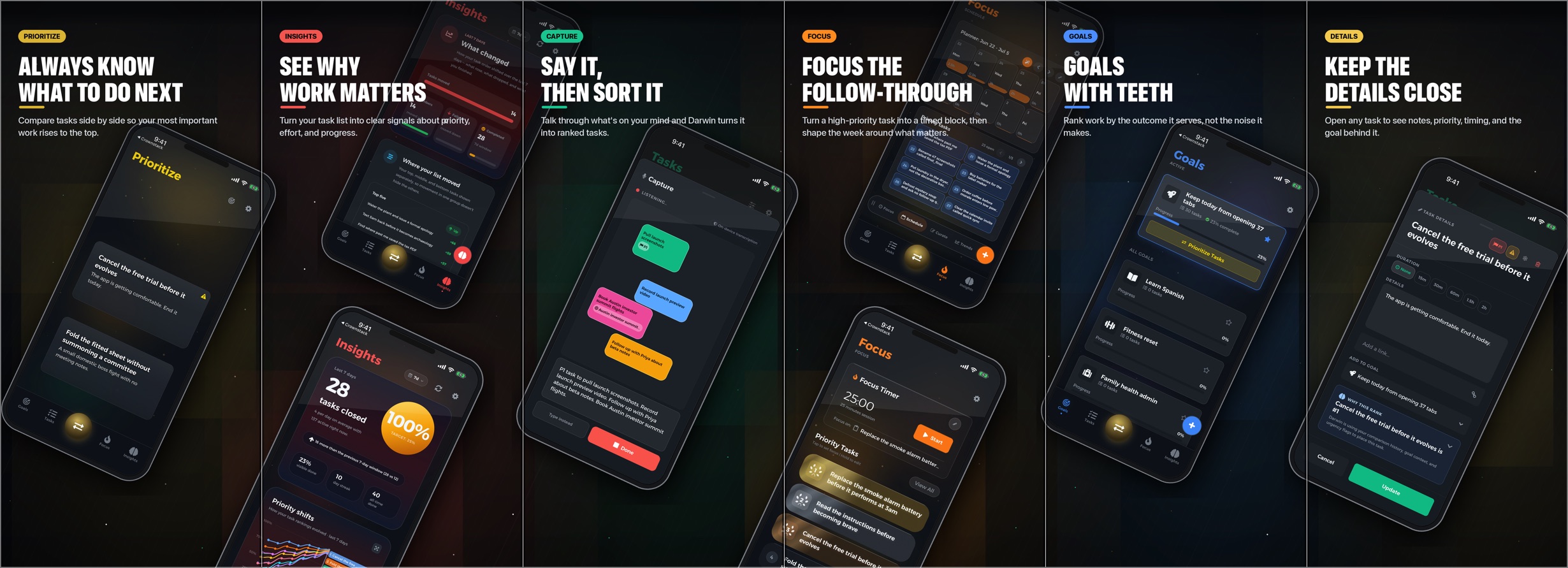
Why it works
Darwin is not another place to park a list. It is a decision system for people who already know there is too much to do and need the next right move.
Privacy
Your task list can be personal. Darwin keeps controls visible and explains account sync, purchases, diagnostics, optional calendar sync, reminders import, and voice capture in plain language.
Darwin does not serve ads, sell personal data, or track you across other apps and websites.
Tasks, goals, rankings, schedules, and focus sessions sync through the services named in the Privacy Policy.
Support, Privacy, and Terms are linked from the public site and remain available without signing in.
Use the public support page for common questions, privacy details, and direct contact.